
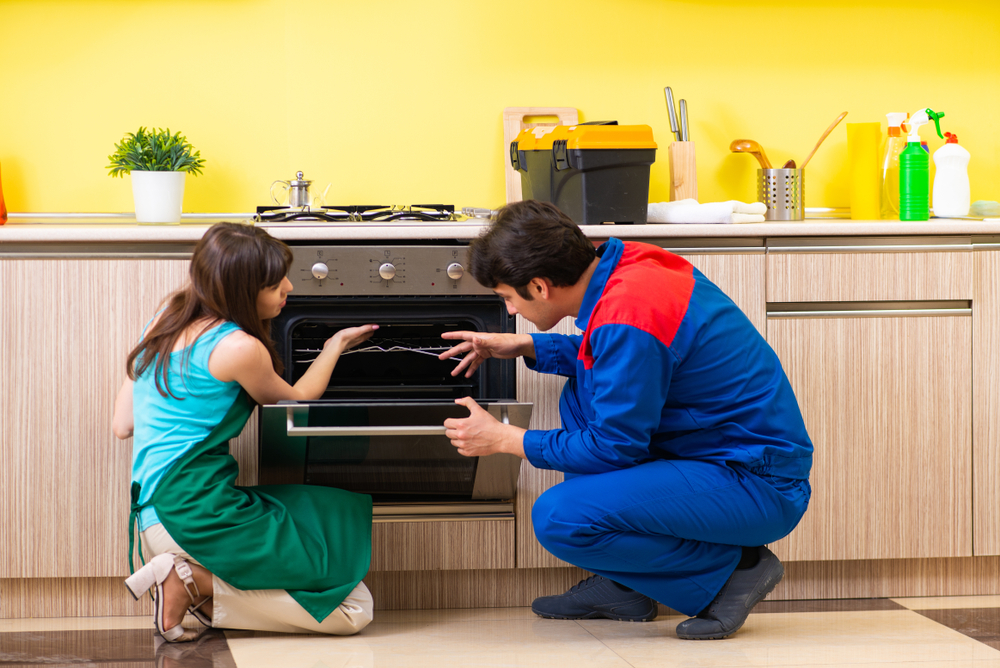
Freedom Appliance Repair Okotoks fields calls about oven error codes every week, usually from a homeowner staring at a blinking F1 or F2 and a cold oven. Those short codes look cryptic, but they are your oven’s way of describing a fault. This guide explains how to read oven error codes, what common families of codes mean, and which steps are safe to try before you book a repair.
What Oven Error Codes Actually Are
Modern ovens run on an electronic control board. The board watches temperature sensors, door locks, relays, and keypad inputs many times per second. When a reading falls outside its normal range, the board shows a code and often shuts the heating off to protect the oven.
Codes are not universal. Some brands use letters and numbers, while others flash a count of beeps or light patterns. An F1 on one brand can mean something different on another. That is why your manual is the first place to look. Still, most manufacturers group faults into a few families, and knowing them helps you judge how serious the problem is.
A code is also a snapshot, and it describes a symptom rather than a single guaranteed part. Some are triggered by a brief power dip, a sticky keypad, or a locked door switch. Others return again and again, which usually means a failed part rather than a one-time glitch.
Common Oven Error Codes and What They Usually Mean
Treat the list below as a general guide, since exact meanings depend on make and model. Check your manual before you act on any single code.
Temperature Sensor Codes
Codes in the F1 range, such as F10 or F1x, often relate to the oven temperature sensor or a related circuit. The sensor is a thin metal probe at the back of the oven cavity. If its resistance drifts or the wire corrodes, the control reads the wrong temperature and may shut down the bake.
Control Board and Keypad Codes
Codes in the F2 range, such as F20 or F2x, commonly point to the control board or keypad. A stuck key, a failed relay, or a corroded connector can set them off. Pressing and holding keys at power-up can also trigger a keypad fault code.
Door Lock and Latch Codes
Self-clean ovens lock the door while hot. If the lock motor or switch fails, the control shows a lock code and refuses to start. We covered this in our guide on troubleshooting an oven that will not self-clean.
Power Supply and Relay Codes
Some codes appear right after a storm, a breaker trip, or a brownout. A relay may stick, or the board may lose its memory. Many of these clear with a power reset. If they return within days, the relay or board is probably wearing out and needs testing.
Overtemperature and Runaway Codes
These appear when the oven reads far too hot. They protect the home and should always be taken seriously. If you smell burning or see smoke, turn the oven off and keep the door closed.
Oven Error Codes Quick Reference
This table pairs the main code families with likely causes and the correct next step.
| Code family | Likely cause | Safe first step | Next step |
|---|---|---|---|
| F1x (sensor) | Temperature sensor or wiring | Reset power at the breaker | Technician tests sensor resistance |
| F2x (board or keypad) | Control board or stuck key | Clean the panel, reset power | Technician inspects board and connectors |
| Lock codes | Door lock motor or switch | Let the oven cool, retry | Technician tests lock assembly |
| Overtemperature | Failed sensor or relay | Turn off, keep door closed | Stop use and book an inspection |
| Random codes after a storm | Power surge or brownout | Reset power for several minutes | Inspect board if codes return |
How to Read Them Safely
Reading oven error codes starts with careful notes. Before you do anything, write down the code exactly as it appears. Note whether the oven was baking, broiling, or self-cleaning when the code showed up. Those two details save a technician time.
Next, check the manual or the label inside the oven frame for the brand’s code list. Many manufacturers publish model manuals on their own sites. If the code is a lock or keypad fault, wait until the oven cools before you try anything else.
Finally, do not bypass a code by disconnecting parts or jumping wires. The oven shut itself off for a reason, and removing that protection is a fire risk. Independent safety certification bodies test and certify appliance components, which is one reason to rely on proper replacement parts rather than workarounds.
Safe Steps to Try Before You Call
A reset clears many one-time glitches. These steps are safe for any homeowner.
- Switch the oven off at the breaker for five minutes, then turn it back on.
- Wipe the control panel dry and clear any spills around the keypad.
- Make sure the door is fully closed and nothing blocks the latch.
- Remove foil, racks, or pans that touch the rear wall or the sensor.
- Run a short bake at a low setting to see whether the code returns.
If the same code returns, you have a real fault. Power surges can also set off random codes and slowly damage control boards, which we explain in our post on how power surges damage modern appliances.
When Error Codes Mean You Should Call
When oven error codes keep coming back, the oven is telling you something real. Call a technician when a code returns after a reset, when the oven heats unevenly, or when it shuts off mid-bake. Our guide on why an oven keeps shutting off during baking describes that pattern in detail. Also call if you see scorch marks near the control panel or smell burning plastic.
Our technicians read the code, test the sensor, board, and relays with a meter, and explain what failed. You receive an honest quote after the assessment, before any repair begins. To see how we approach ovens in general, visit our oven repair service page.
Frequently Asked Questions
Can I keep using my oven with an error code showing?
It depends on the code. A one-time keypad code that clears after a reset is usually fine. A code that returns, or any overtemperature code, means you should stop and arrange an inspection.
Does an F1 or F2 code always mean a bad control board?
No. Many F1 codes trace back to the temperature sensor, which is a simpler part. A technician tests the sensor and wiring before blaming the board.
Why did my oven show a code after a power outage?
A surge or brownout can confuse the control board. Reset the power at the breaker for several minutes. If the code returns, have the board and connectors inspected.
Where can I find my model’s code list?
Check the owner’s manual, the sticker inside the oven frame, or the manufacturer’s website. Have the model and serial numbers ready, since lists differ by brand.
Contact Freedom Appliance Repair Okotoks
If your oven keeps flashing a code, we can read it for you. Call Freedom Appliance Repair Okotoks at (403) 889-6068 to book a visit. We serve Okotoks and Black Diamond, and we explain each finding before we start a repair.
